01 Upload your photo02 Choose a style03 Generate & download
YOUR RESULT
Your photo effect
02
Generation preview
PNG
Your result will appear here.
Add your photo and pick a look to make it personal.
Making something just for you
You can leave this page and come back to your creations.
YOUR CREATION
✦ Made for your ideaYour creative space
A USEFUL START
How to make an AI photo effect feel like you
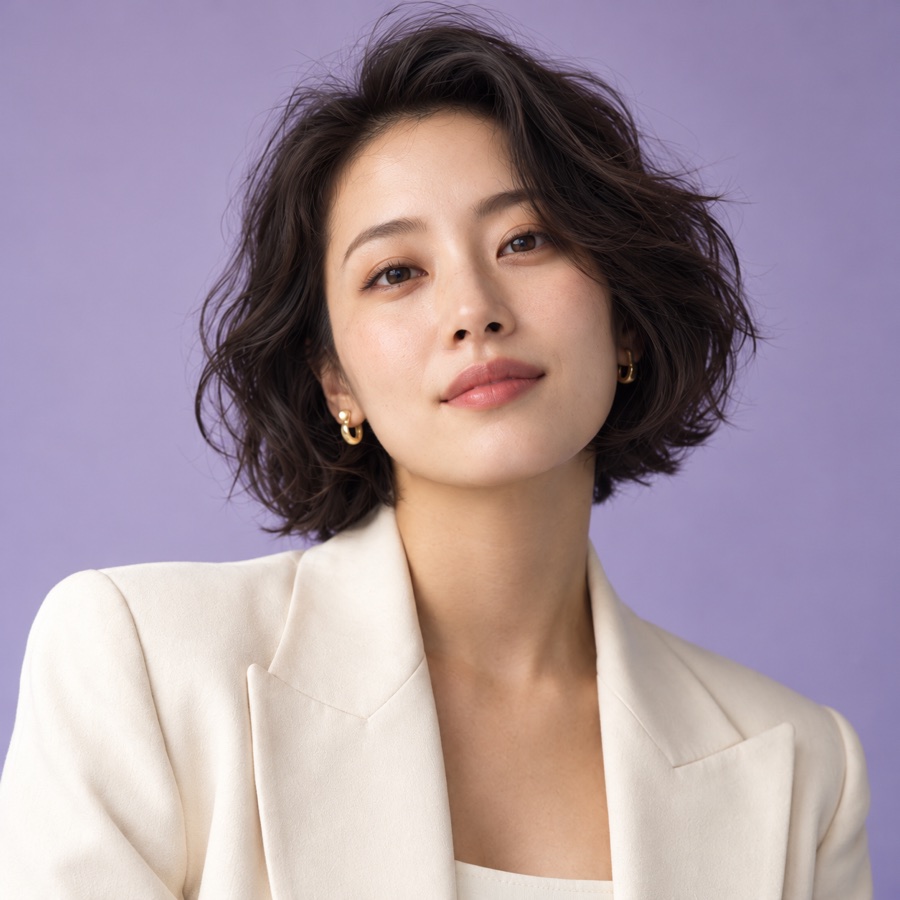
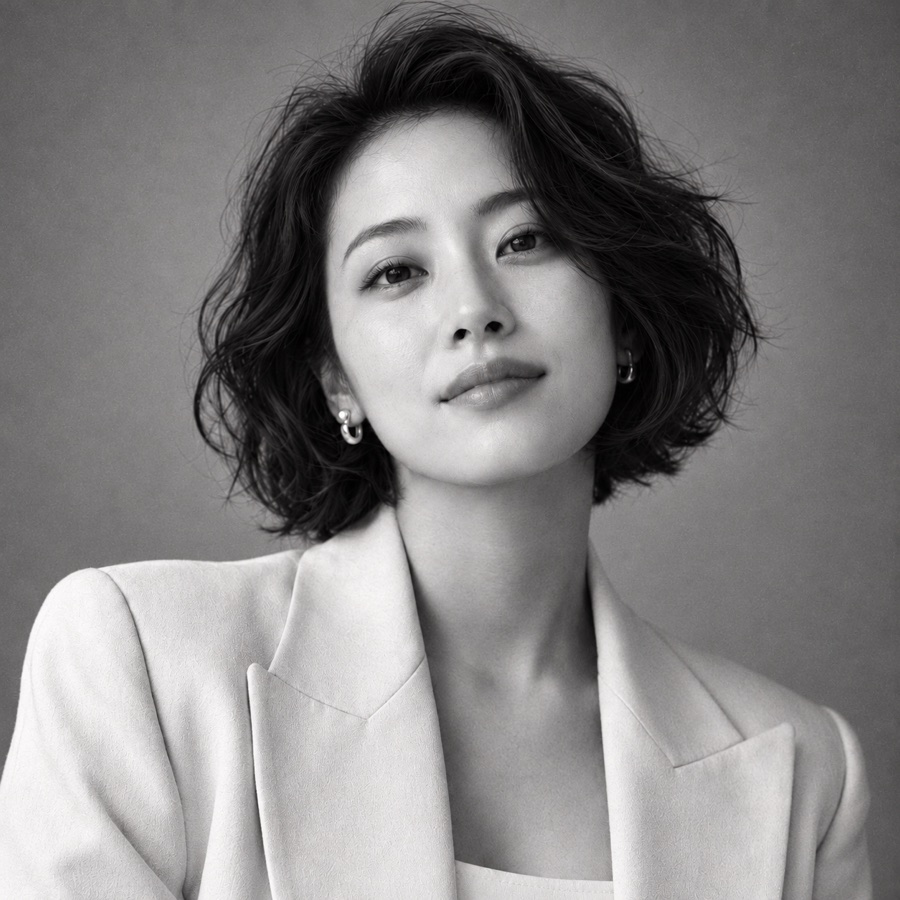
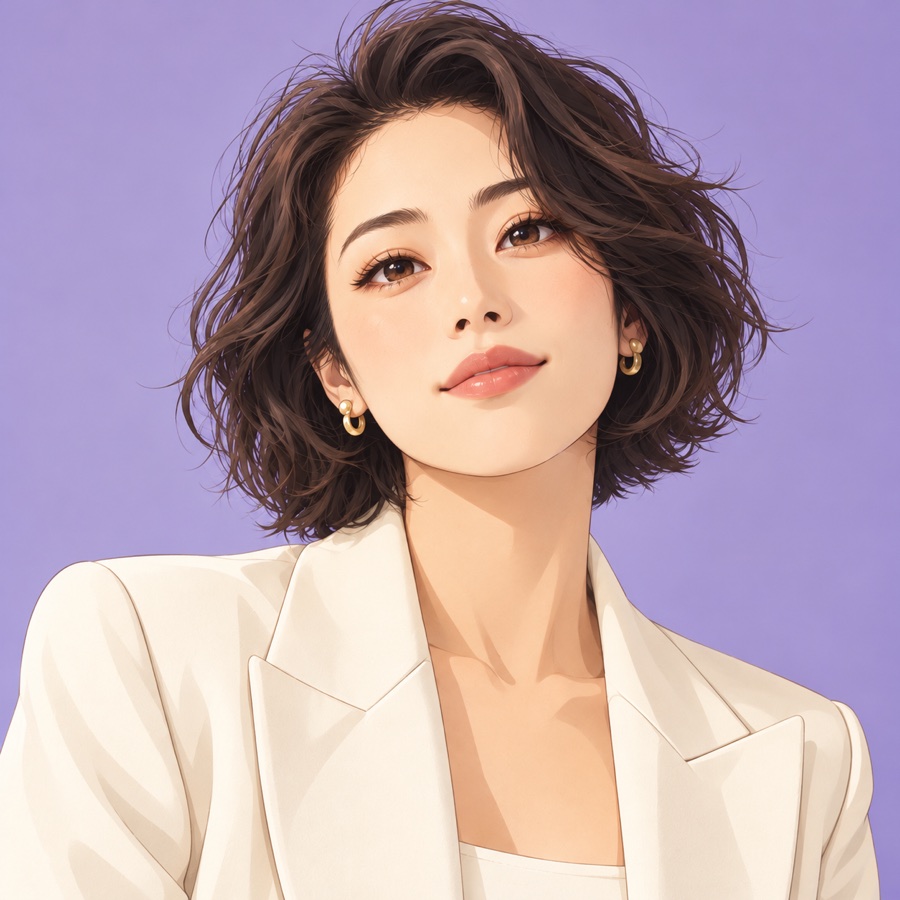
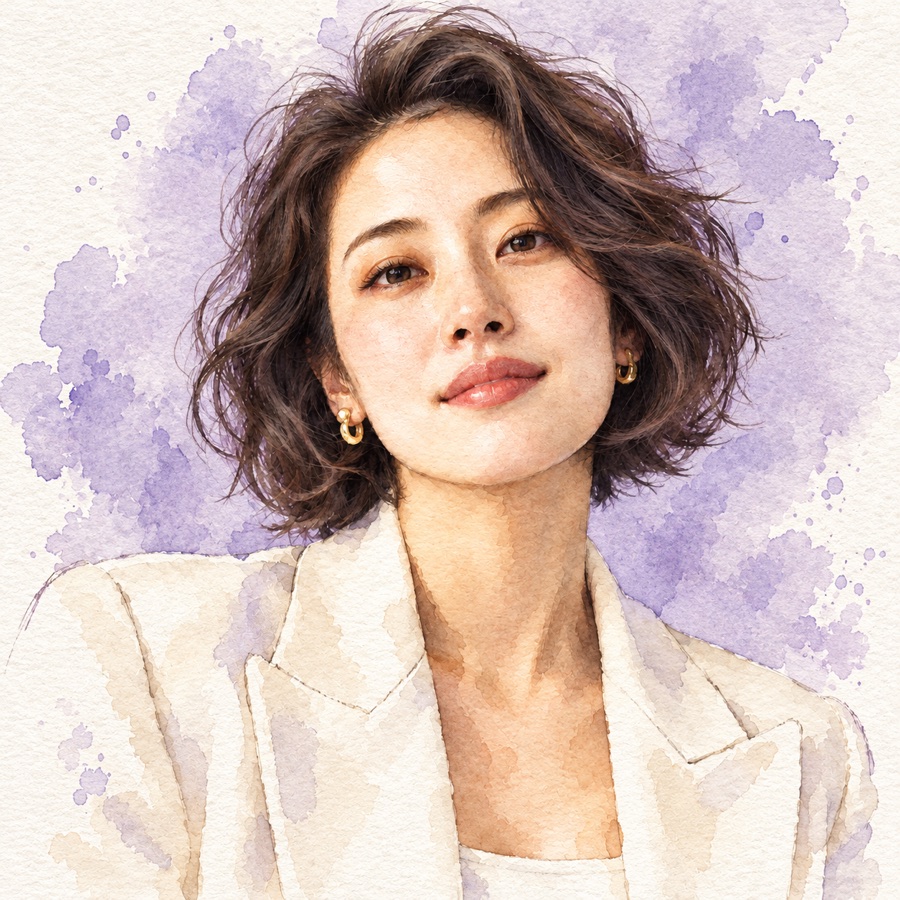
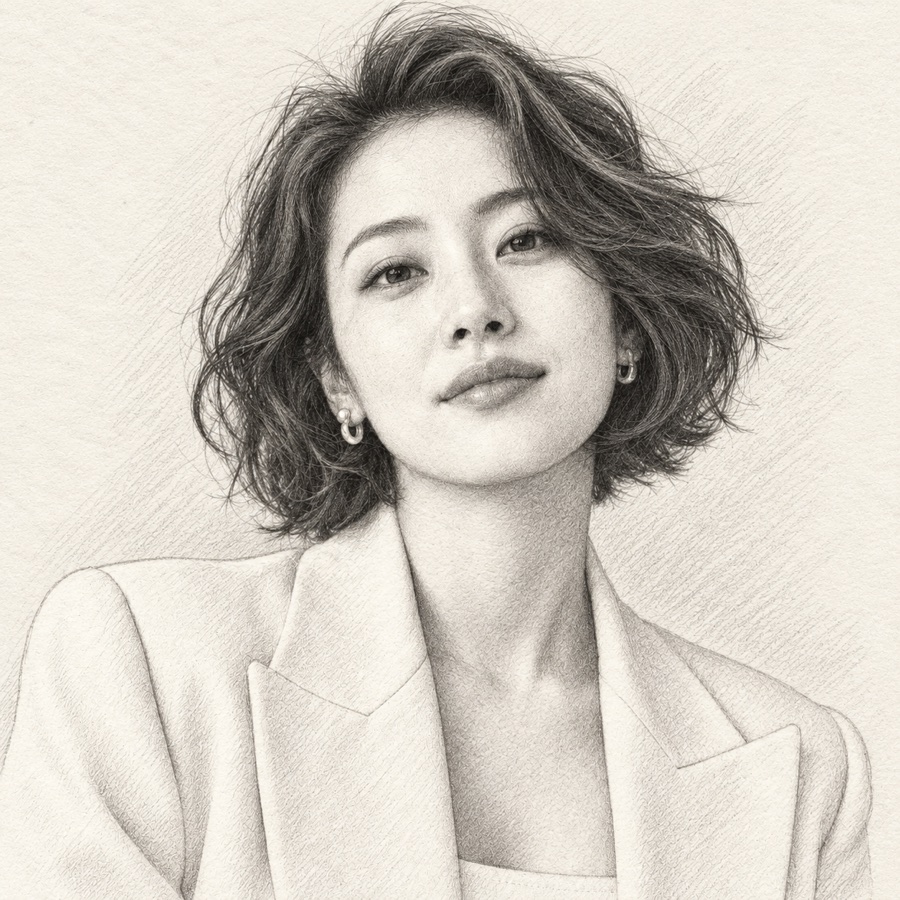
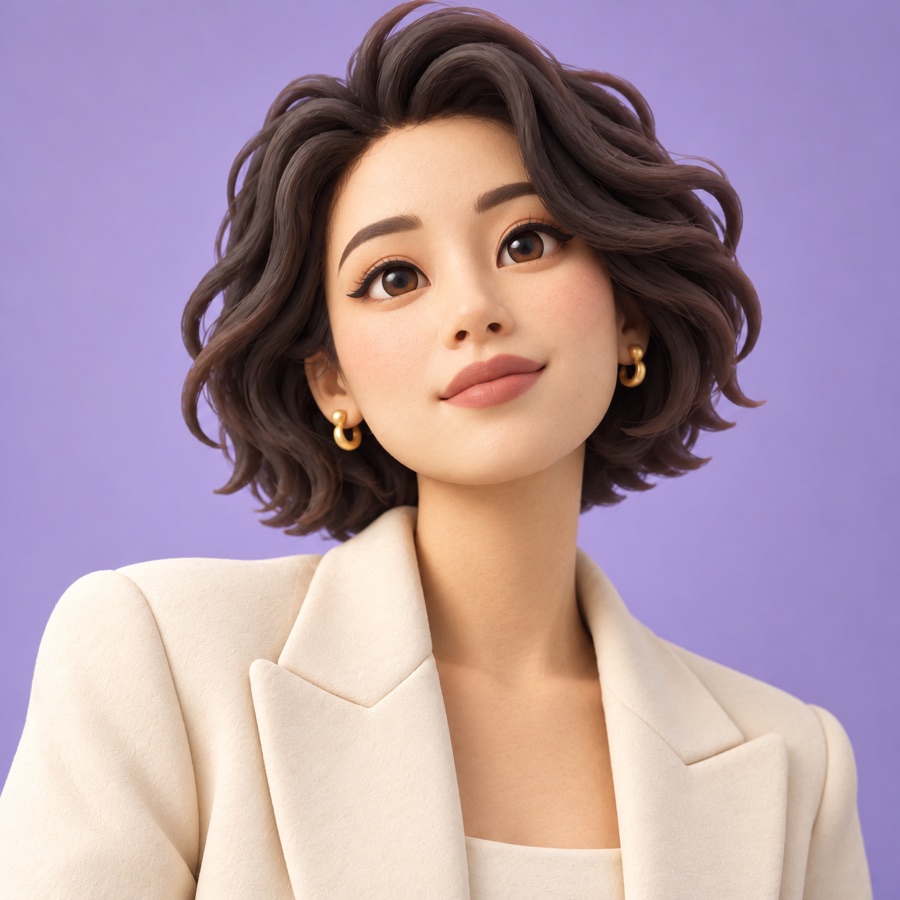
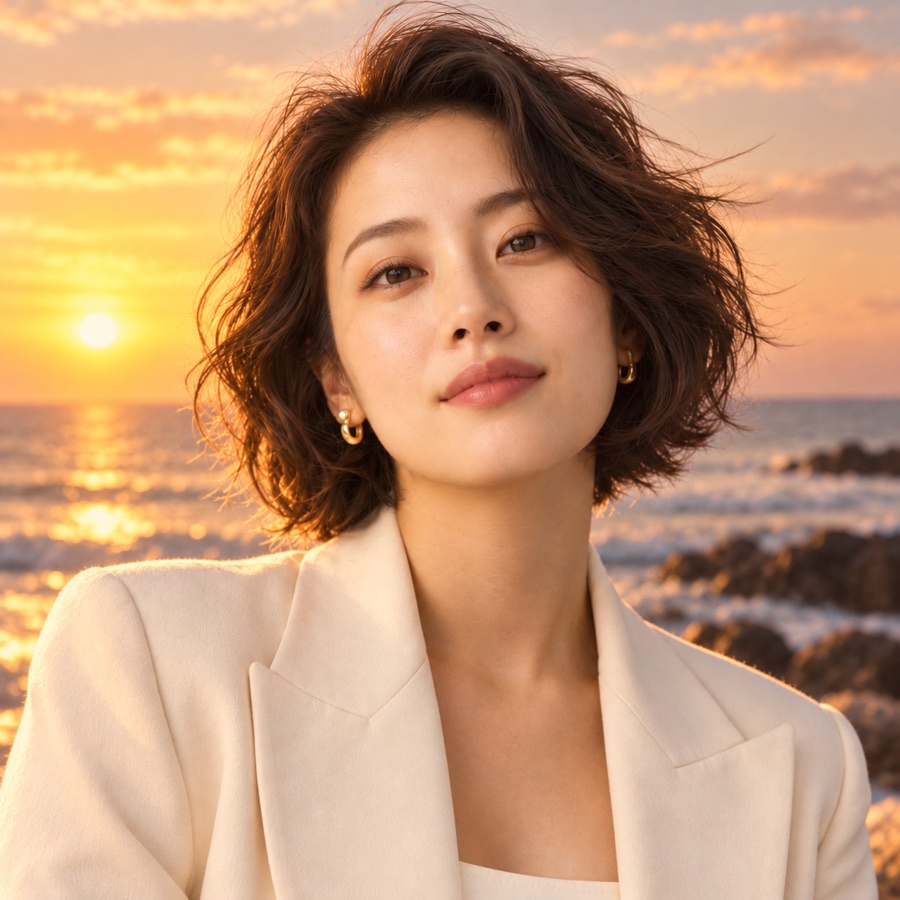
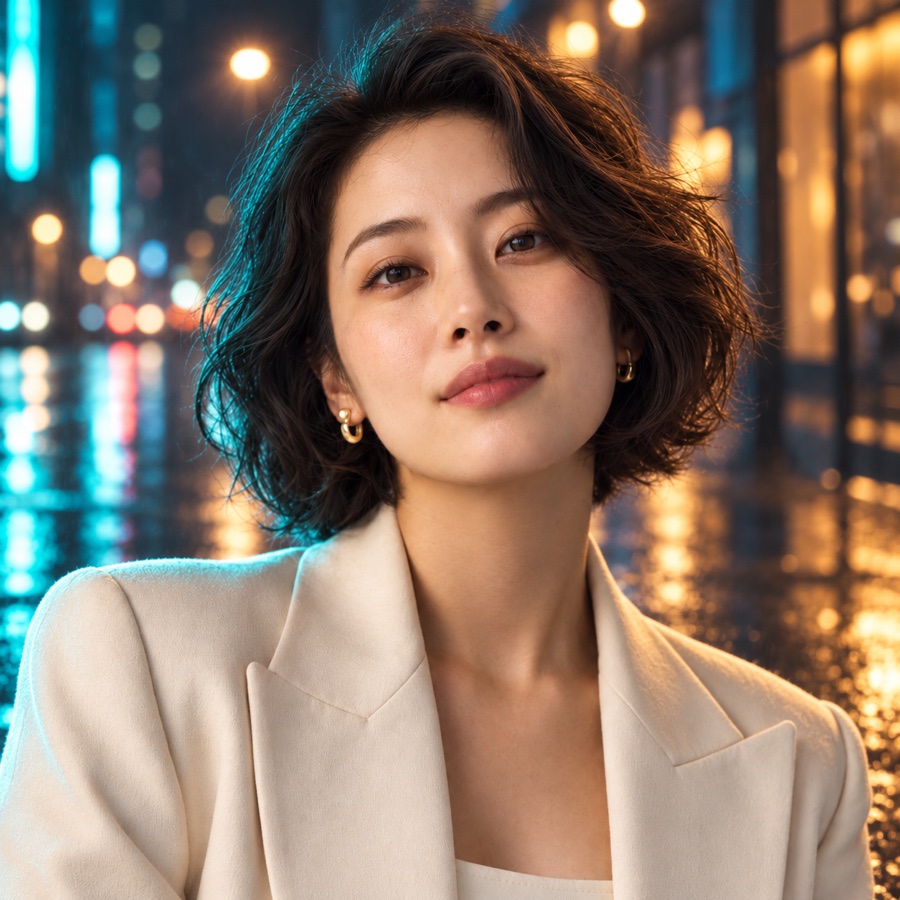
Start with a clear, evenly lit photo. Choose from sixteen presets for portraits, art styles, backgrounds, creative scenes and products, or describe your own effect. Say what should change and which details should stay recognizable. Review your first result before creating a full-size PNG.
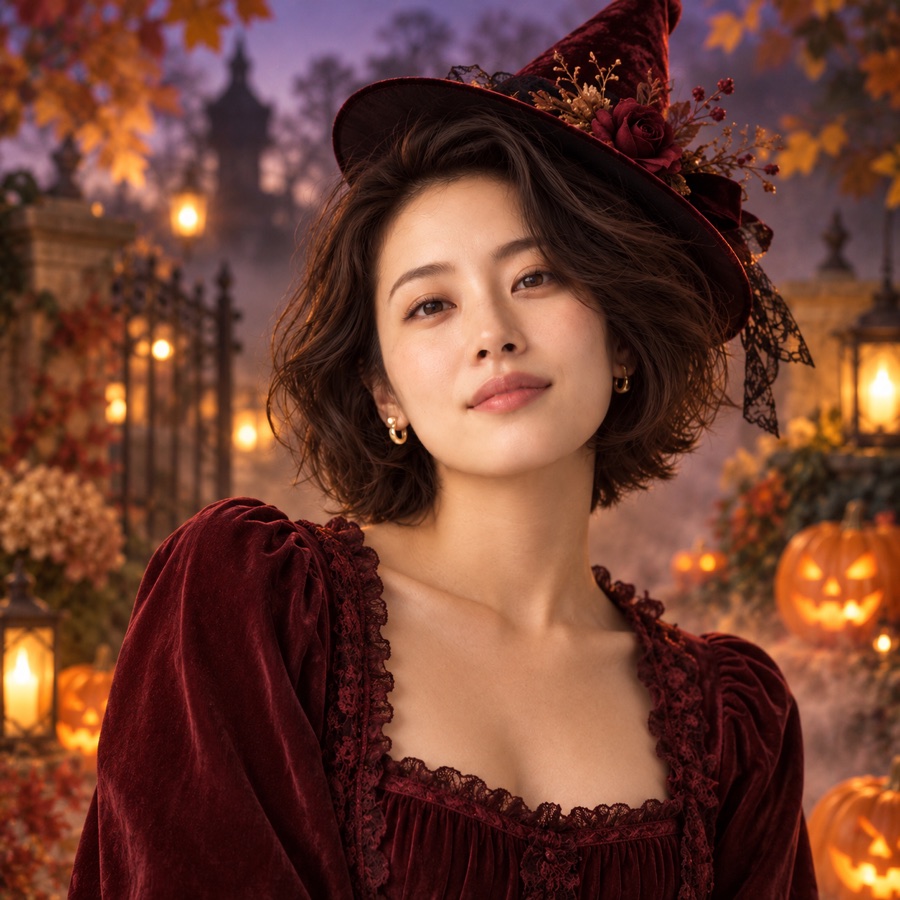
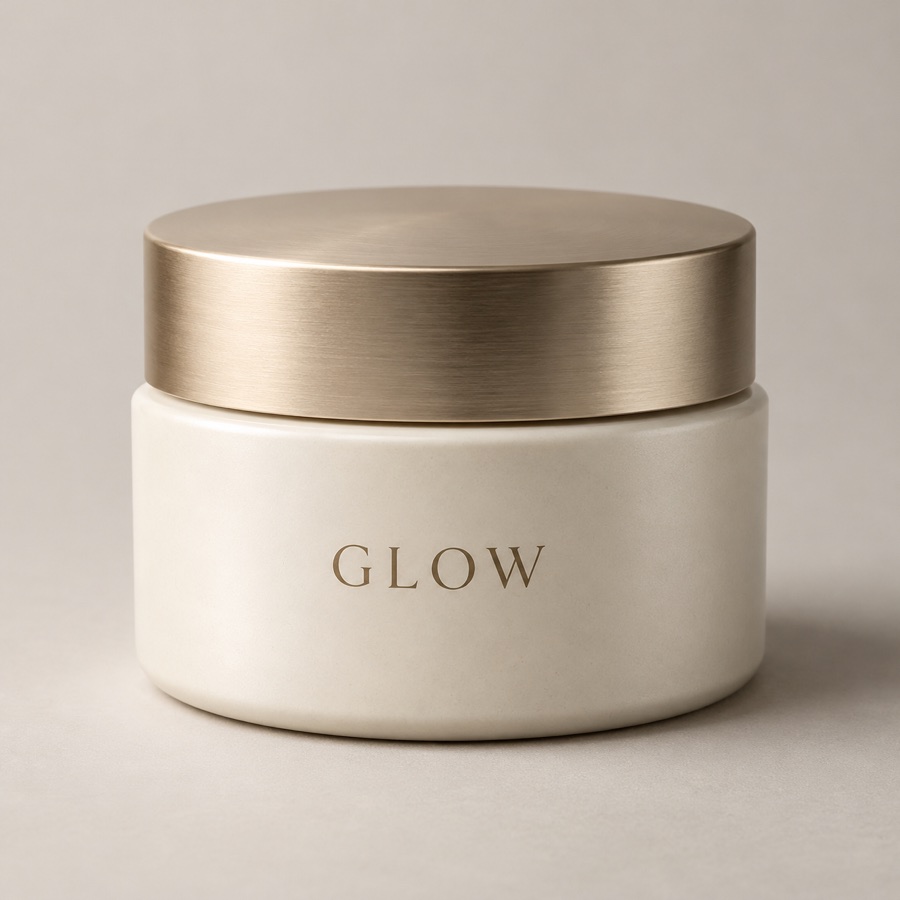
AI-created preset examples · personalized results will vary.
A FEW GOOD QUESTIONS
Frequently asked questions
Can I use my own photo?+
Yes. Upload one clear PNG, JPG or WebP with a face or subject at least 256 pixels wide. Your photo stays out of the public gallery.
What do I get?+
A personalized image preview. Photo creations produce a 2K-tier PNG that you can download. Each 2K creation uses 10 credits.
Will it look exactly like me?+
The model is instructed to preserve your identity, but AI can change small details. Check each result before using it.
Can I describe my own effect?+
Yes. Choose Describe your own effect and write the changes you want, including details to keep. Custom editing uses your instructions without adding a preset portrait style.
Can I come back on another browser?+
Yes. Use the email from your Stripe purchase and a six-digit email code to restore your credits and saved creations. Credit packs are specific to this site.